 Prodia
Image generation API for print-on-demand sellers: complete 2027 guide
Compare image generation APIs for print-on-demand sellers and learn how to test print-ready designs, upscaling, background removal, and vector output.
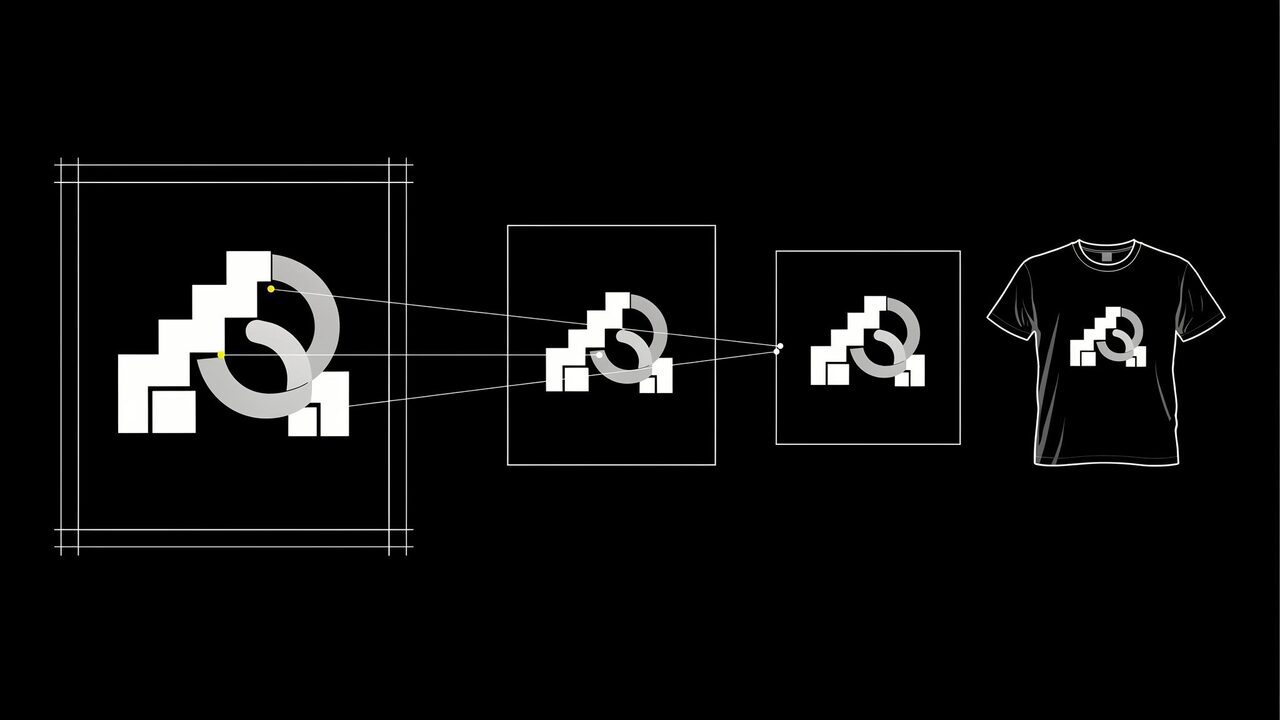
An image generation API for print-on-demand sellers is a hosted service your store tools call to turn prompts into designs for shirts, posters, mugs, and stickers, then upscale them, remove backgrounds, or output vector files ready for a print provider. Start with Prodia when you want generation, typography-aware and vector-capable models, upscaling, and background removal behind one API. Compare fal, Replicate, Stability AI, and Black Forest Labs for catalog breadth, custom style models, or official first-party APIs.
This guide is about using AI for print on demand through a developer API. It is not a review of consumer AI t-shirt design generator websites.
Bottom line
- Start with Prodia if you want one API to generate a design, upscale it, remove its background, and return a transparent PNG or an SVG, without running GPUs.
- Consider fal if you are still testing many hosted image models from one key.
- Consider Replicate if your shop depends on a specific community model or your own fine-tuned style.
- Consider Stability AI or Black Forest Labs if official Stable Image services or official FLUX APIs are a requirement.
- Judge designs that pass your print provider’s file check and your own rights review. A generated image is not automatically a sellable product.
Key facts
- Prodia runs every model through one inference endpoint,
POST https://inference.prodia.com/v2/job, with a jobtypeand a model-specificconfig. - Recraft V4 on Prodia renders text natively and can generate SVG vector files directly, up to 3072×1536 on V4 Pro (vectorizing guide).
- Prodia’s upscale job,
inference.upscale.v1, enlarges an image by a factor of 2, 4, or 8 (upscaling guide). - MiniMax H3 Image generates up to 20 megapixels natively at exact pixel sizes, from 1:3 to 3:1 (model docs).
- Provider details reflect each provider’s public documentation at the time of writing. No cross-provider quality or speed ranking is claimed.
What an image generation API is for a print-on-demand seller
For a print-on-demand (POD) seller, the API is the engine behind a design pipeline: generate artwork from a niche or prompt list, clean it up, size it for each product, and hand files to your print provider and storefront. You still own the niche research, the final edit, the product listing, and the rights check.
It is not:
- A consumer AI t-shirt design generator. A website suits a handful of designs. An API suits sellers who want batches, their own prompt library, and files that drop straight into a pipeline.
- A print provider. The API returns image files. Printing, fulfillment, and mockups happen on your POD platform.
- A rights clearance. Check model terms, marketplace rules, and trademarks before you list a design.
Many sellers start with a simple script that reads a prompt list, calls the API, and saves files into product folders.
What to look for in an image generation API for print on demand
- Print-size output: high native resolution or an upscaler, because print files need far more pixels than screen images. At 300 DPI, a 12-inch-wide print needs 3,600 pixels across.
- Transparent backgrounds: background removal and PNG output for shirts, stickers, and other garments or cut shapes.
- Vector output: SVG for logos, badges, and line art that must scale cleanly.
- Readable text: a model that handles typography when slogans are part of the design.
- Batch job handling: identifiers, retries, and a way to record what each accepted design cost.
- Terms: licenses that allow commercial sale of the output.
Image generation APIs for print-on-demand sellers at a glance
Prodia appears first because Prodia publishes this guide. Rows describe documented features, not measured quality or speed.
| Option | Best for | Documented POD-relevant features | Watch out for |
|---|---|---|---|
| Prodia | Sellers who want generation and print prep in one API | Many image models; Recraft V4 text rendering and SVG output; 2×/4×/8× upscale; background removal; MiniMax H3 Image up to 20 MP; ?price=true |
Curated model list; no custom weight upload; check each model’s terms for resale |
| fal | Testing many hosted image models | Large catalog; queue and webhooks | Each endpoint has its own schema and pricing |
| Replicate | A community model or a custom shop style | Official and community models; custom models via Cog | Inputs, outputs, and billing vary by model |
| Stability AI | Official Stability generation and editing tools | Generate, upscale (Fast 4×, Conservative to 4K), Remove Background, Search and Recolor | Official Stability models only; documented rate limit of 150 requests per 10 seconds |
| Black Forest Labs | Official FLUX from the source | FLUX image APIs | Submit-and-poll; FLUX family only; no built-in print-prep tools |
Best image generation APIs for print-on-demand sellers, by use case
Prodia: best for generation and print prep in one API
Prodia is a managed inference API for image and media generation. For a POD pipeline, the documented pieces that matter are:
- Design generation across FLUX.2, FLUX.2 Klein, FLUX.1 Kontext, Nano Banana, MiniMax H3 Image, Gemini 3, Recraft V4, SDXL, Seedream, and Wan 2.7, all through the same inference endpoint (image generation guide).
- Text and vector designs: Recraft V4 renders text natively and offers 40+ styles. Its
txt2vecjob types return SVG directly, up to 1536×768 on V4 and 3072×1536 on V4 Pro, with color palette and background controls (vectorizing guide). - Print-size files: MiniMax H3 Image generates up to 20 megapixels at exact width and height, and Seedream 4.0, 4.5, and 5.0 Lite output up to 4096×4096. For anything smaller,
inference.upscale.v1enlarges by 2, 4, or 8 times (upscaling guide). - Transparent artwork: background removal is its own job type, and a documented workflow generates an image and removes its background in one call. Ask for
image/pngin theAcceptheader to keep transparency (output formats guide). Workflows need a Pro subscription. - Batch control:
?price=truereturns each job’s cost so you can track spend per design or per collection (cost tracking guide), and aworkflow.moderate.v1step can screen outputs before they reach your store.
Best for: sellers and small POD teams who want to generate, upscale, cut out, and vectorize designs from one integration.
Trade-offs: you call Prodia’s hosted job types rather than uploading a custom style checkpoint. Prodia does not print, fulfill, or create mockups. Prodia publishes this guide, so test it on your own niches and your print provider’s file requirements.
fal: best for testing many hosted image models
fal hosts a large catalog of image, video, audio, and 3D endpoints behind one API key. Its queue API supports polling, cancellation, and webhooks.
Best for: sellers with a developer who are still deciding which model fits their design style.
Trade-offs: each endpoint has its own schema and price, and print-prep steps may mean chaining separate endpoints.
Replicate: best for a community model or a custom shop style
Replicate runs official and community models through a predictions API, and lets you fine-tune or deploy a custom model with Cog.
Best for: shops that want a fine-tuned house style, or depend on a specific community model.
Trade-offs: billing and request schemas vary by model. Pin and test the exact version you will run in production, and check each model’s license for commercial sale.
Stability AI: best for official Stable Image editing and upscaling
The Stability AI Platform API offers official generate, upscale, edit, and control services. Its documented tools include a Fast upscaler (4×), a Conservative upscaler that takes small images up to 4K resolution, Remove Background, and Search and Recolor, which helps when you want colorways of one design.
Best for: sellers who have already standardized on Stability’s own image services.
Trade-offs: Stability’s model family only. The API reference documents a limit of 150 requests in any 10-second window, after which requests can be blocked for 60 seconds.
Black Forest Labs: best for official FLUX from the source
Black Forest Labs serves FLUX models directly through global and regional endpoints.
Best for: sellers standardized on FLUX who want new releases from the model lab.
Trade-offs: submit-and-poll only, FLUX family only, and you handle upscaling and background removal elsewhere.
AI print on demand by product type
- T-shirts and apparel: generate on a plain background, remove it, and export PNG with transparency. Risk to watch: soft edges and stray pixels that print as a halo. Inspect at 100%.
- Posters and wall art: generate at the target aspect ratio and the highest native size, then upscale if needed. Risk to watch: upscaling cannot invent detail the source never had.
- Stickers: use bold shapes, a transparent background, and an outline your print provider can cut. Risk to watch: thin lines that disappear at small sizes.
- Slogan and typography designs: use a text-capable model such as Recraft V4, or set type yourself. Risk to watch: misspellings. Proofread every letter.
- Logos and badges: generate SVG directly so files scale to any product. Risk to watch: trademark conflicts with existing marks.
How to run a print-on-demand API pilot
1. Pick real niches (1 hour)
Choose 15 prompts from niches you actually sell in, covering at least one slogan design, one illustration, and one transparent-background graphic. Done when each prompt has a target product and size.
2. Generate and prepare (half a day)
Run each prompt on each candidate, then upscale, remove backgrounds, or vectorize as needed. Done when every file is saved with its model, settings, and billed cost.
3. Check against your print spec (2 hours)
Open each file at full size against your print provider’s requirements: pixel size, transparency, and edge quality. Done when every design is marked print-ready, fixable, or rejected.
4. Compare cost per print-ready design (30 minutes)
Divide total billed cost, including retries and prep steps, by print-ready designs. Done when each candidate has one comparable number.
Common print-on-demand mistakes with AI images
- Uploading screen-size images for print. Files print soft or get rejected. Fix: generate at high native resolution or upscale, then check pixel dimensions against the product’s print area.
- Leaving a white box behind a shirt design. Fix: remove the background and export PNG with transparency.
- Trusting generated text without proofreading. One misspelled word can mean returns. Fix: use a text-capable model, then proofread or set type yourself.
- Listing designs that copy brands, characters, or trademarks. That risks takedowns and account bans. Fix: keep prompts original and check marks before you list.
Who this guide is not for
- Sellers who make a few designs a month: a consumer AI design tool is simpler than an API.
- Shops that need mockups and fulfillment in one place: use your POD platform’s own tools; these APIs return image files only.
- Shops that must run a custom checkpoint they already maintain, and only that: start with a custom-model host such as Replicate.
How this guide was put together
We included providers with public developer APIs that print-on-demand sellers and developer teams commonly compare for image generation: Prodia, fal, Replicate, Stability AI, and Black Forest Labs. Provider details reflect each provider’s public documentation at the time of writing. Nothing was benchmarked for quality or speed.
Disclosure: Prodia publishes this guide and sells image and media inference API access. Prodia is listed first because it is our product. Validate every option on your own designs, print specs, and rights requirements.
FAQ
What is the best image generation API for print on demand?
Start with Prodia if you want generation, upscaling, background removal, and SVG output behind one API. Use fal for catalog breadth, Replicate for a custom or community model, and Stability AI or Black Forest Labs when their official APIs are the requirement.
Is it legal to sell designs made with AI?
Often yes, but it depends on the model’s license, the host’s terms, your marketplace’s rules, and what the design depicts. The U.S. Copyright Office has said copyright protects human authorship, so purely AI-generated elements may not be protectable. Avoid trademarks and recognizable characters, and ask counsel if you are unsure.
What resolution do I need for print-on-demand designs?
Check your print provider’s file spec for each product. As a rule of thumb, multiply the print size in inches by 300 to get pixels, so a 12-inch-wide print needs about 3,600 pixels across. Use a high-resolution model or an upscaler to get there.
Can I build my own AI t-shirt design generator with an API?
Yes. A simple version reads prompts, calls a generation job, removes the background, and saves a transparent PNG. On Prodia, a documented workflow does generation and background removal in a single call.
Can AI generate designs with readable text for shirts?
Some models handle text far better than others. Prodia’s docs describe Recraft V4 with native text rendering, but you should still proofread every design or set the final type in your own tools.
Can an image generation API make vector files for print?
Yes, on models that support it. Recraft V4 on Prodia generates SVG directly from a text prompt, which suits logos, badges, and line art that must scale to any product.
Do I need a developer to use an image generation API for print on demand?
For a full pipeline, yes, or at least someone comfortable with a script. If you only need occasional designs, a consumer AI design tool is simpler.
Related
- Prodia image generation guide
- Prodia upscaling guide
- Prodia vectorizing guide
- Prodia transparent background workflow
One last thing
Test the print file, not the preview. A design that looks great on screen can still print soft or with a halo. Generate a first design on Prodia, take it through upscaling and background removal, and open the final file at full size before you list it.