 Prodia
Best image-to-video APIs in 2027
Compare image-to-video APIs from Prodia, fal, Replicate, Runway, Luma, and Stability AI, and learn how to submit an async img2vid job on Prodia.
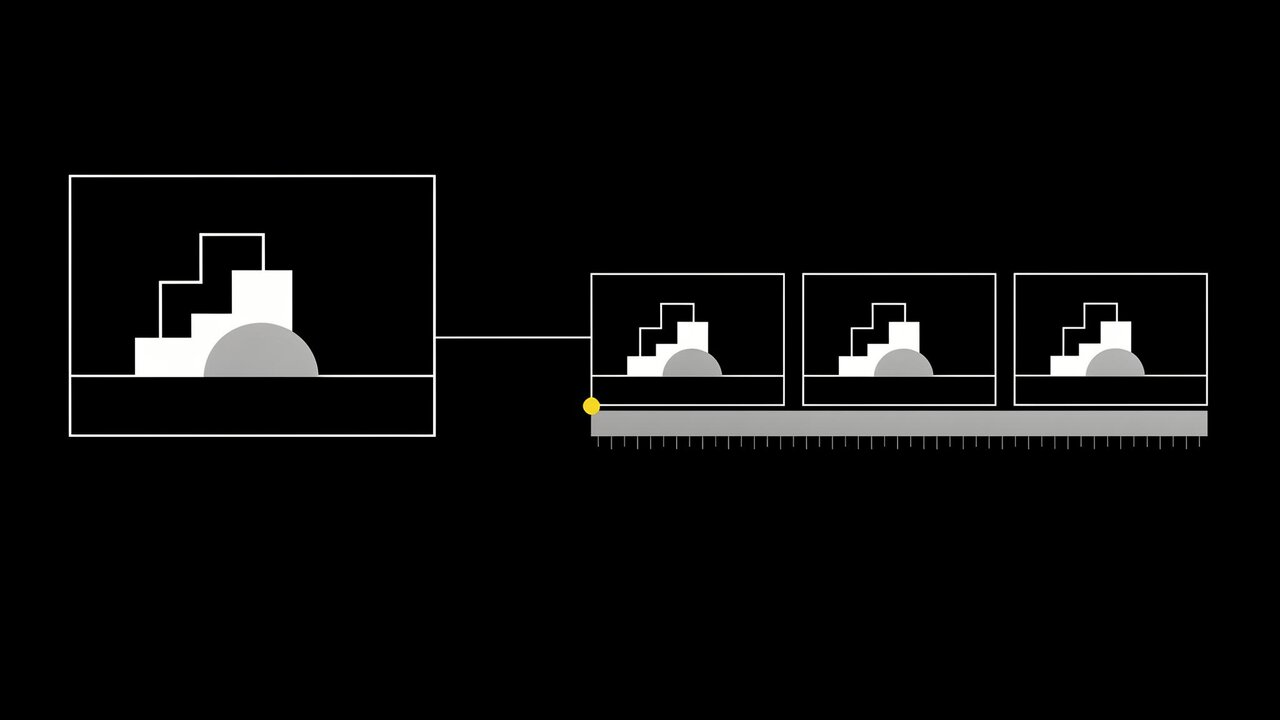
An image-to-video API takes a still image and a text prompt and returns a short video clip, usually as an MP4, through an HTTP job you can call from a server. Teams use it to animate a product photo, a storyboard frame, or a character still without shooting new footage. Start with Prodia when you want image-to-video job types such as LTX 2 Pro, MiniMax H3, Wan, Seedance, and Kling behind one token and one endpoint. Compare fal, Replicate, Runway, Luma, and Stability AI when you want a broad catalog, a community model, or a first-party model lab.
This guide is for developers choosing an image-to-video API for a production app. It explains what the job type does, how the main providers differ, and how to submit an image-to-video job on Prodia. It does not rank providers by quality or speed.
Bottom line
- Start with Prodia if you want one inference API that documents image-to-video job types for several models, plus an async API for jobs that run longer than a single HTTP timeout.
- Consider fal or Replicate if you want a wide hosted catalog or a specific community or custom model, and you are willing to learn a different schema per model.
- Consider Runway if you want Runway’s own image-to-video models through Runway’s developer API, which starts a task and asks you to poll for the result.
- Consider Luma if you have already chosen Luma’s models and want Luma’s first-party API.
- Consider Stability AI if your team is already standardized on Stability’s official APIs; confirm the current image-to-video endpoints in Stability’s docs before you build.
- Pick the provider from documented job types, input rules, and async behavior. Confirm cost on each live job rather than copying a price from a comparison table.
Key facts
- On Prodia,
inference.ltx-2-pro.img2vid.v1animates an input image into a video guided by a text prompt, using theltx-2-5-promodel (LTX 2 Pro img2vid). - Prodia also documents image-to-video job types for MiniMax H3, Wan 2.7, Seedance, Kling, Veo, Pruna P-Video, and Grok Imagine (generating videos, pricing: video models).
- Video jobs often run longer than a typical HTTP timeout. Prodia’s docs recommend
POST /v2/job/async, then pollingjob.state.currentuntil the job isprocessed, and downloading the MP4 before outputs expire one hour after the job finishes (polling async jobs). - Prodia’s published LTX price is about $0.019, and MiniMax H3 Turbo is about $0.073. Confirm the amount for your exact job with
?price=true(tracking costs). Other model prices are not quoted in this guide. - Provider details below reflect public documentation checked in November 2026. No cross-provider quality or speed ranking is claimed.
What an image-to-video API is
An image-to-video API is a server-side job: you upload or reference a still, send a prompt that describes the motion, and receive a video file. On Prodia the job type name ends in img2vid. The still is the first frame or the visual subject; the prompt describes how the scene should move.
It is not:
- Text-to-video. That starts from a prompt alone (
txt2vid). Use image-to-video when you already have a still you need to honor. - A video editor. The API returns a short clip. Timeline edits, captions, and color grade happen in your app or in an editor.
- A guarantee of character lock. Some models also offer reference-to-video (
ref2vid) or first- and last-frame controls. Those are separate, documented job types, not something everyimg2vidjob does by default.
Image-to-video APIs at a glance
| Provider | Best for | How you call image-to-video | Trade-offs |
|---|---|---|---|
| Prodia | Several documented img2vid models behind one token and POST /v2/job |
Job type plus config (prompt and image); async API for long jobs |
Job types differ in duration, resolution, and extra inputs such as audio or a last frame |
| fal | A wide hosted catalog of video endpoints | fal’s queue API, with polling, cancellation, and webhooks | Each endpoint has its own schema and price |
| Replicate | Official or community video models, or a model you deploy with Cog | Predictions API; pin the model version | Billing and schemas vary by model |
| Runway | Runway’s own image-to-video models | POST /v1/image_to_video on Runway’s developer API, then poll GET /v1/tasks/{id} |
Runway’s models and task API only |
| Luma | Luma’s own video models | Luma’s first-party API | Luma’s models only |
| Stability AI | Official Stability APIs, if a current image-to-video endpoint is in their docs | Stability’s REST API | Confirm the current video endpoints before you integrate; Stability’s catalog changes by product line |
Disclosure: Prodia publishes this guide and sells image and video inference API access, so Prodia is listed first. Provider details come from each provider’s public documentation. Test every option with your own stills and prompts.
Best image-to-video APIs, by use case
Prodia: best for several img2vid models behind one API
Prodia is a managed inference API. For image-to-video, the documented pieces that matter are:
- One endpoint, many job types. You change models by changing the
typestring, not the host or auth scheme. LTX 2 Pro usesinference.ltx-2-pro.img2vid.v1with apromptand animagefilename (LTX img2vid). - Other documented img2vid families include MiniMax H3, Wan 2.7 (including first/last frame and optional driving audio for lip-sync), Seedance, Kling (including motion masks), Veo, Pruna P-Video, and Grok Imagine. Read the job-type page for the model you ship; duration, resolution, and extra inputs are not the same on every type.
- Long jobs. Submit to
POST /v2/job/async, poll untilprocessed, and downloadvideo.mp4(polling async jobs). On 23 November 2026, a live async submit ofinference.ltx-2-pro.txt2vid.v1returned HTTP 201. Use the same async flow forimg2vid. - Cost read-back.
?price=truereturns the dollar amount charged for that job. Prodia’s published prices are about $0.019 for LTX and about $0.073 for H3 Turbo.
Best for: teams that want image-to-video in the same API they already use for other Prodia job types, with async polling for production.
Trade-offs: you must pick a job type and honor its schema. Read the job-type page for the type you ship, such as inference.ltx-2-pro.img2vid.v1 or inference.wan2-7.img2vid.v1, and test it with your own stills.
fal: best for a wide hosted catalog
fal hosts a large catalog of video endpoints behind one key, with a queue API that supports polling, cancellation, and webhooks.
Best for: apps that let users pick between many hosted image-to-video models.
Trade-offs: each endpoint has its own schema and price, so a multi-model feature needs per-model tests.
Replicate: best for community or custom models
Replicate runs official and community models through a predictions API and lets you deploy a custom model with Cog.
Best for: apps built around a specific image-to-video model or a fine-tune you host on Replicate.
Trade-offs: billing and request schemas vary by model. Pin the exact version you deploy.
Runway: best for Runway’s own image-to-video models
Runway’s developer API documents POST /v1/image_to_video with a required version header. Generation is asynchronous: the request returns a task id, and you poll GET /v1/tasks/{id} until the task succeeds or fails. Current model names in Runway’s reference include gen4.5 and gen4_turbo, with prompt image, ratio, and duration fields that depend on the model.
Best for: teams that want Runway’s models through Runway’s own API.
Trade-offs: you are on Runway’s models and task API. If you want those models plus others under one token, compare a multi-model inference API instead (and read that API’s current model list; do not assume every lab’s model is available everywhere).
Luma: best for Luma’s own models
Luma publishes a first-party API for its video models, including image-to-video flows described in Luma’s developer docs.
Best for: apps that have already chosen Luma’s look and want the first-party API.
Trade-offs: Luma’s models only; you add storage, moderation, and cost tracking yourself.
Stability AI: best when you are already on Stability’s official APIs
The Stability AI Platform API is the official way to call Stability’s commercial models. Video endpoints have changed across product lines, so confirm the current image-to-video path in Stability’s docs before you write production code.
Best for: teams already standardized on Stability’s APIs.
Trade-offs: Stability’s catalog and endpoint names change. Do not hard-code an old video endpoint from memory.
How to call image-to-video on Prodia
Keep the token on the server, in an environment variable. Do not put it in browser code (getting started).
A minimal LTX 2 Pro image-to-video job looks like this, with the still sent as a multipart file and the job JSON in a job part, following Prodia’s generating-videos guide:
# PRODIA_TOKEN must already be set in the environment.
# Use a still you have the right to animate.

cat << EOF > job.json
{
  "type": "inference.ltx-2-pro.img2vid.v1",
  "config": {
    "prompt": "a red fox trotting through a snowy forest at golden hour",
    "image": "reference.png"
  }
}
EOF

curl -sSf \
  -H "Authorization: Bearer $PRODIA_TOKEN" \
  -H "Accept: video/mp4" \
  -F job=@job.json \
  -F input=@reference.png \
  --output fox.mp4 \
  --retry 3 \
  https://inference.prodia.com/v2/job
If the job may exceed your HTTP timeout, submit the same type to https://inference.prodia.com/v2/job/async, save the job id from the 201 response, poll GET /v2/job/async/:id/job.state.current every one to two seconds until it leaves processing, then download GET /v2/job/async/:id/output/video.mp4 and copy the file into your own storage before the one-hour expiry (polling async jobs).
Done when you have an MP4 in storage you control, a stored job ID, and a recorded cost from ?price=true if you need it for billing.
Who this is not for
- Teams that only need text-to-video. Start with a text-to-video job type and skip the image upload.
- Teams that need a finished ad or film in one call. Image-to-video returns a short clip. Plan editing, audio, and review in your own pipeline.
- Anyone hoping to skip a token or a server. These APIs need a secret on the server and a place to store the MP4.
FAQ
What is an image-to-video API?
An image-to-video API is an HTTP job that takes a still image and a prompt and returns a short video. On Prodia the job type name ends in img2vid.
How is image-to-video different from text-to-video?
Text-to-video starts from a prompt only. Image-to-video starts from a still you provide, then adds motion from the prompt. Use image-to-video when the first frame or subject has to match an existing asset.
Which Prodia job type should I start with?
Start with inference.ltx-2-pro.img2vid.v1 if you want LTX 2 Pro, a documented default with a published price. Switch job types when you need a documented capability that LTX’s img2vid page does not list, such as Wan 2.7 driving audio or Seedance or H3 reference-to-video.
How long does an image-to-video job take?
It depends on the model, duration, and resolution. Prodia’s docs treat video as a long job and recommend the async API so you are not holding an HTTP connection open. Measure wall time on your own prompts; this guide does not publish a cross-provider speed table.
How much does image-to-video cost on Prodia?
Prodia’s published prices are about $0.019 for LTX and about $0.073 for H3 Turbo. Job price can depend on the job type and config. Send ?price=true on the job request and log the returned amount. Do not assume one model’s price applies to another.
Can I keep a character consistent across several clips?
Standard img2vid uses one still as the starting image. For stronger identity or scene references, use a documented ref2vid job type where it exists, such as MiniMax H3 or Seedance 2.5, and test the result. There is no universal “lock this face forever” flag on every model.
Should I call the API from the browser?
No. Keep the token in a server environment variable and have the client call your own backend, which then calls the image-to-video API and returns a URL you own.
Next step
Create a token in the Prodia API Dashboard, run the LTX 2 Pro image-to-video job above against a still you have rights to use, and store the MP4 in your own bucket before you open the feature to users.